How do you set up N1MM+ for SO2R operation using the FTdx101's built-in USB audio codecs?
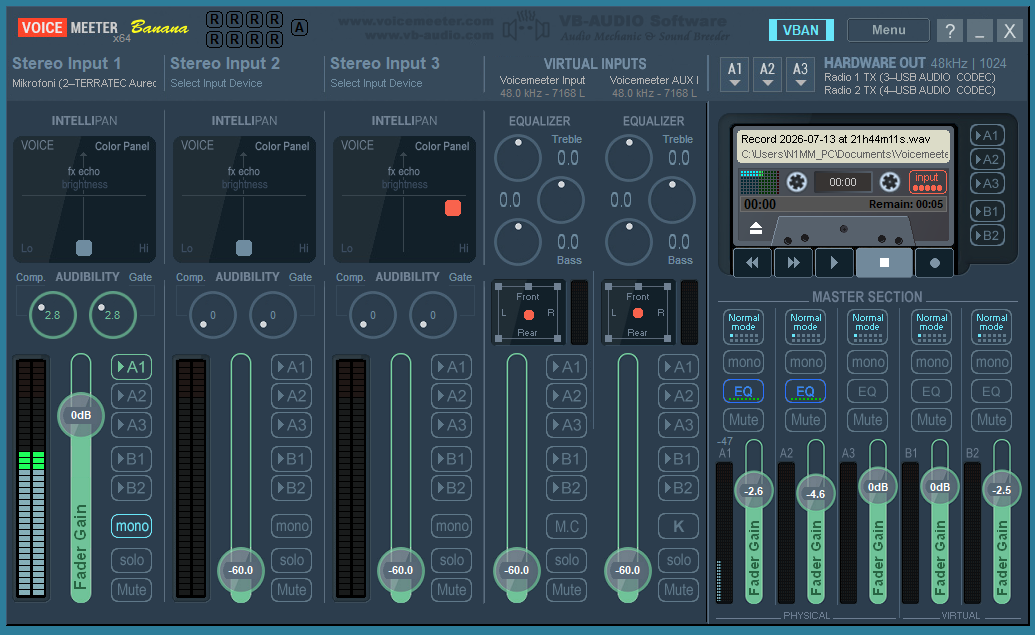
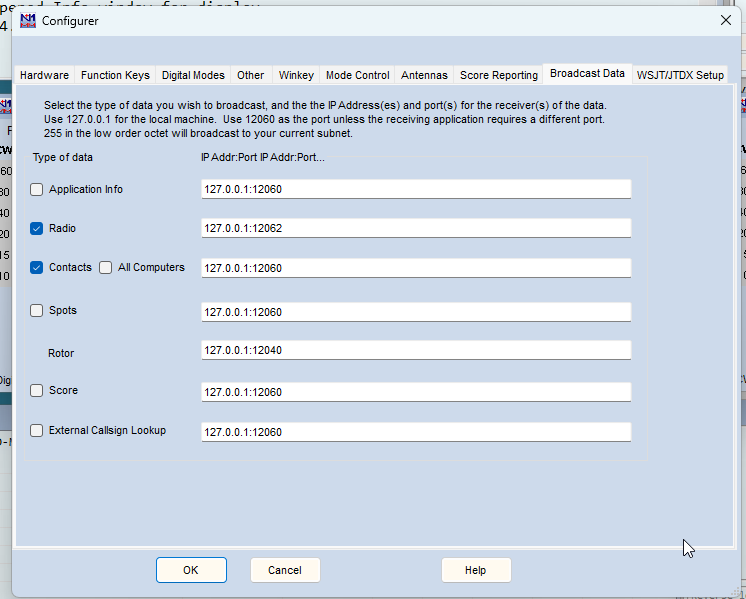
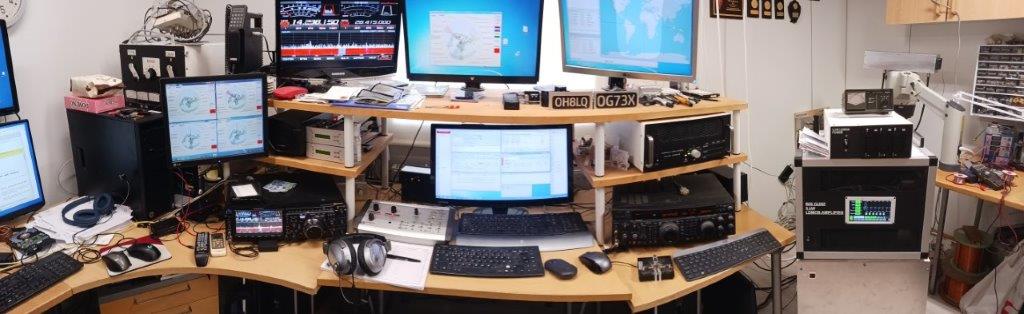
The station uses two FTdx101 radios, utilizing their internal USB audio interfaces to achieve SO2R capability. The microphone connects to the computer's sound card, and N1MM+ must route the microphone audio to the radio currently holding TX focus. Since N1MM+ cannot handle this routing directly, a virtual audio path is required between the computer's sound card and the radios' USB codecs. Voicemeeter can manage this audio routing, but a script is needed between N1MM+ and Voicemeeter to relay the TX focus status. This information is obtained by monitoring N1MM+'s radio UDP messages and extracting the focus data. (Note: N1MM+ messages themselves are routed directly to the correct radios without requiring additional software.)
There is one drawback compared to using the radio's front-panel microphone input: the radio's internal TX audio equalizer is bypassed. While Voicemeeter includes an equalizer, it only affects the live microphone signal and does not apply to the transmission of pre-recorded audio messages.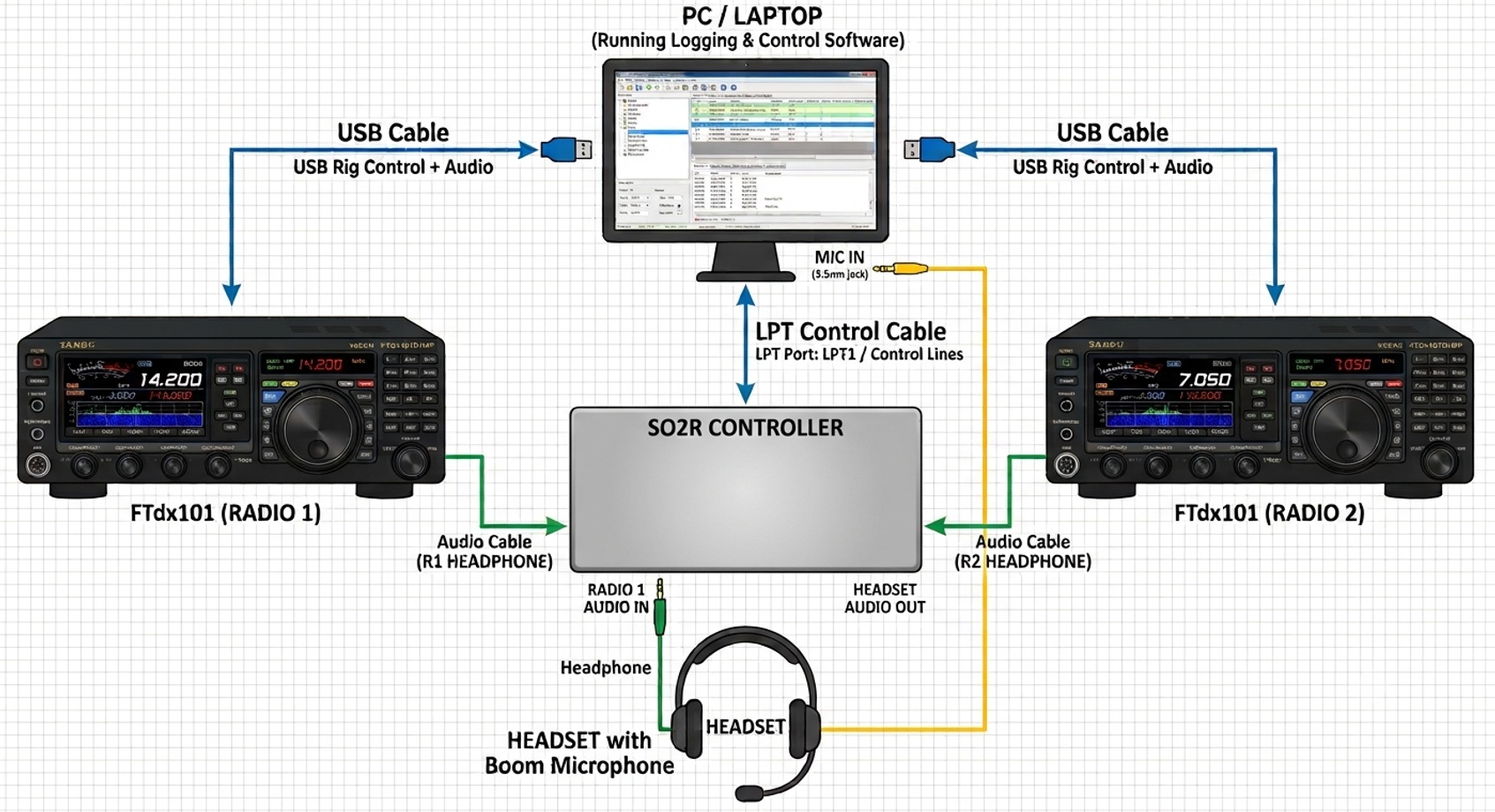
Signal & Control Flows
1. Audio Path (Audio Flow)
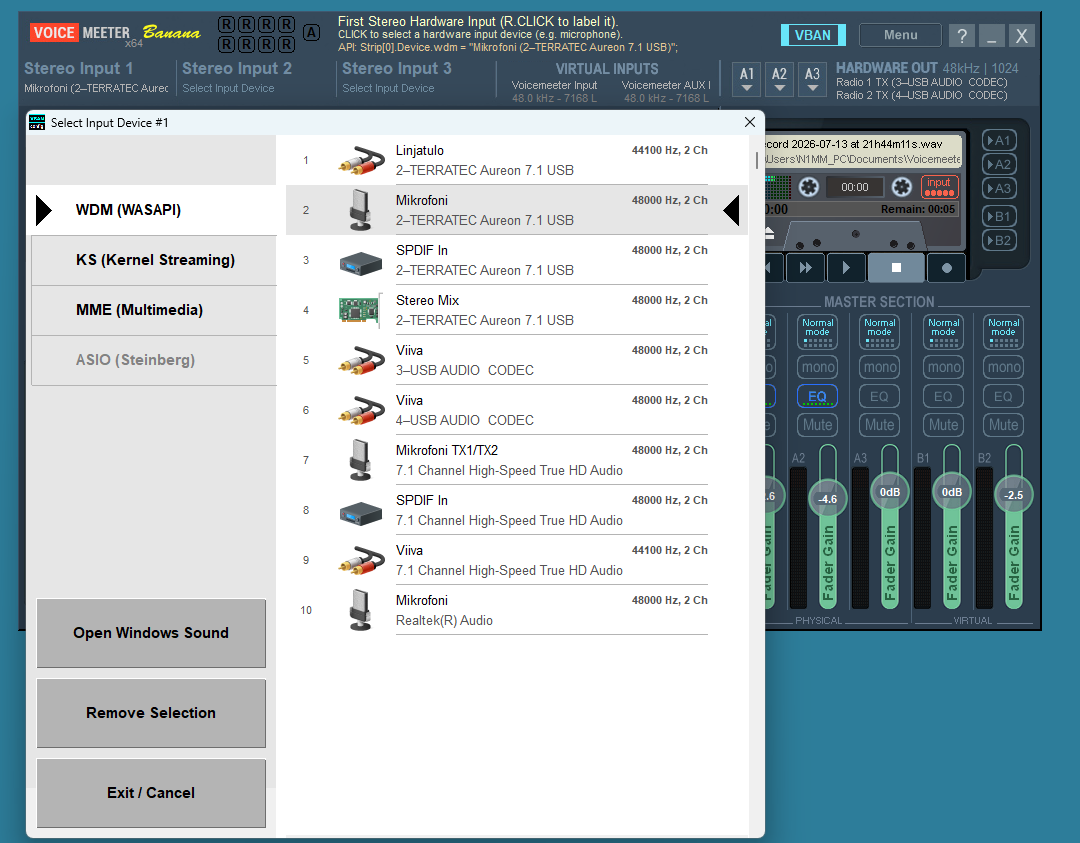
- The Microphone feeds analog/USB audio into a VoiceMeeter Hardware Input strip (e.g., Strip 1).
- The input strip is routed to two separate output buses:
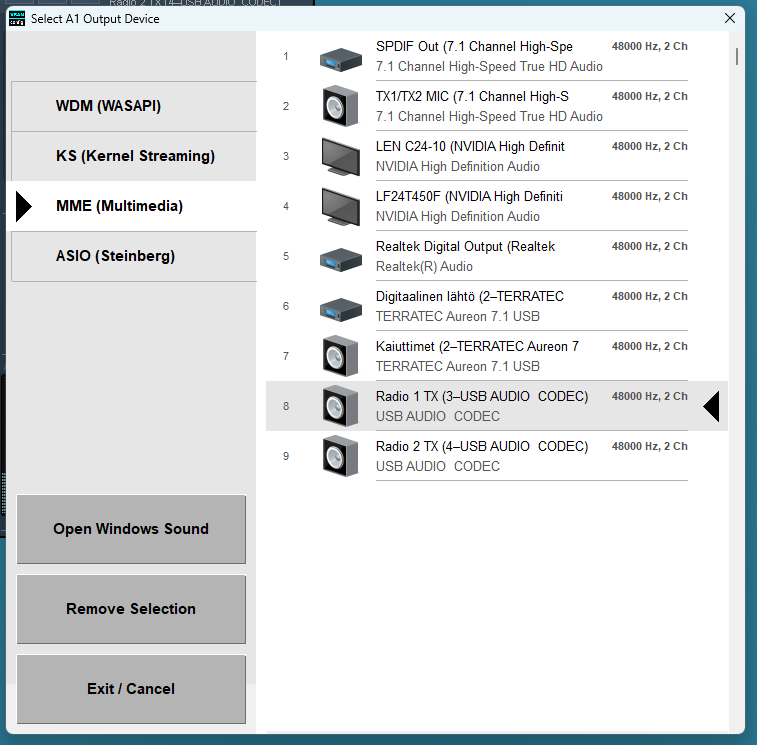
- Bus A1 Radio 1 (Sound Card / Virtual Audio Cable 1)
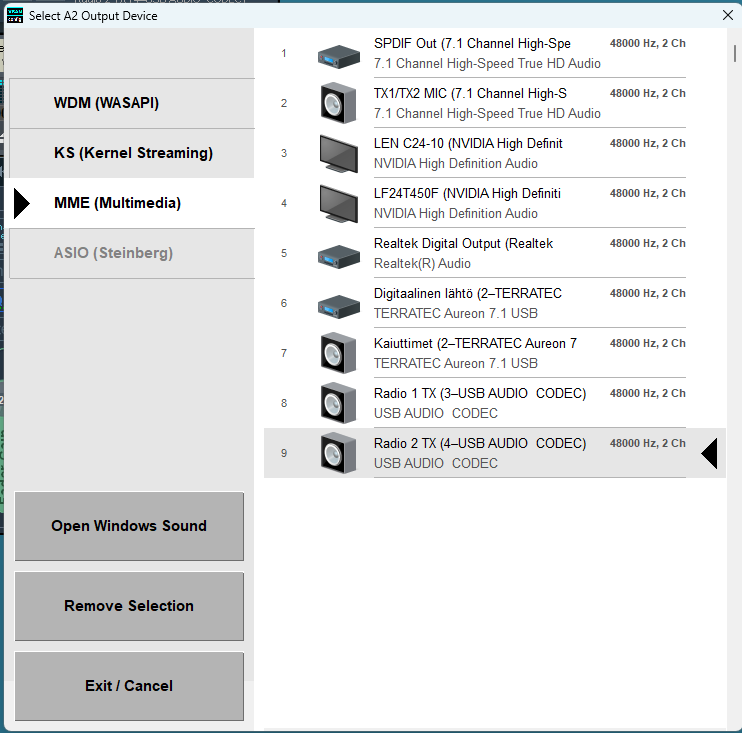
- Bus A2 Radio 2 (Sound Card / Virtual Audio Cable 2)
- VoiceMeeter dynamically keeps one bus active while muting the other based on commands from the script.
2. Control Signal (Control Flow)
- N1MM+: Broadcasts real-time operational status over a UDP port (e.g., Radio status or Radio focus packets formatted in XML/JSON).
- Python Script:
- Listens to N1MM+'s UDP broadcasts in the background using the standard socket library.
- Parses the incoming packet to determine which radio currently holds TX focus (Radio 1 or Radio 2).
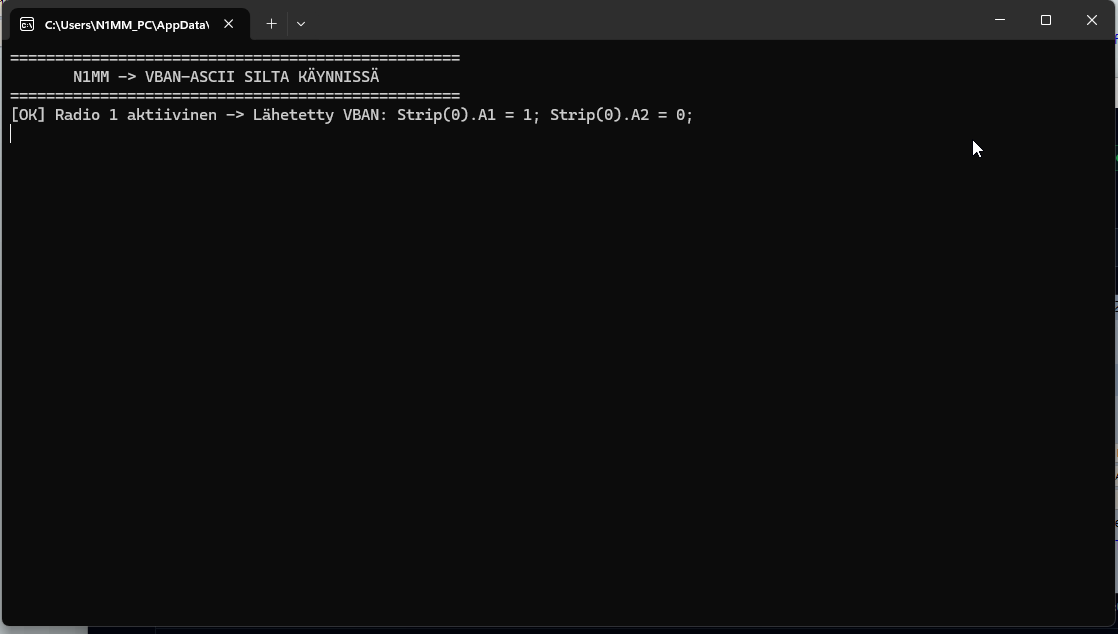
- Sends commands via the VoiceMeeter API (e.g., using voicemeeter-api or direct Remote DLL calls) to switch routing on the fly:
- TX Radio 1 Active: Strip[0].A1 = 1, Strip[0].A2 = 0
- TX Radio 2 Active: Strip[0].A1 = 0, Strip[0].A2 = 1
- Dowload N1MM_bridge.py
Routing Logic Matrix
| N1MM+ TX Focus | VoiceMeeter Python Command | Radio 1 Audio | Radio 2 Audio |
| Radio 1 | Strip(0).BusA1 = True, Strip(0).BusA2 = False | Active (TX) | Muted |
| Radio 2 | Strip(0).BusA1 = False, Strip(0).BusA2 = True | Muted | Active (TX) |
CONTINUE........